

Smart home controller HomeBridge Apple HomeKit
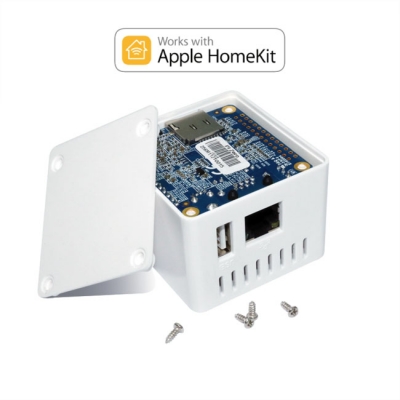
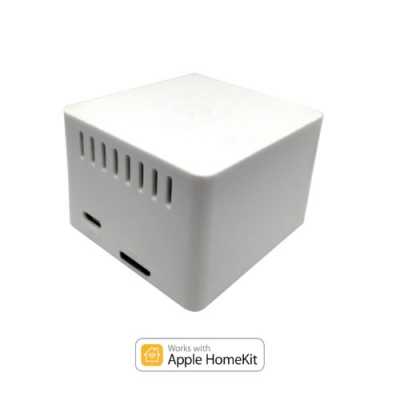
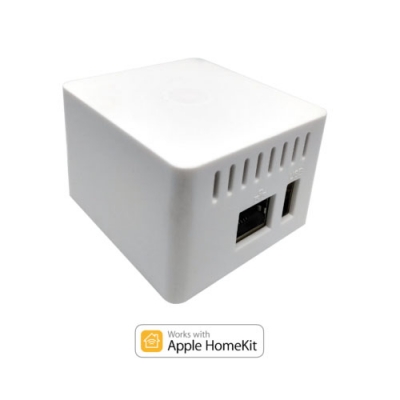
- Manufacturer
- G-on
Instructions HomeBridge Fibaro AppleHomeKit
What is Homebridge and how does it work?
The Apple Home app makes it easy to control all your smart home tech right from your iPhone, but there are some limitations to working with Apple. The biggest drawback is that Home only works with a small number of HomeKit-approved smart devices.
This often means paying extra to stay in the Apple ecosystem, but there is a way around HomeKit's limitations. All you need is a program called Homebridge.
Homebridge is a server that runs on Node.js. As the name suggests, it acts as a bridge between Apple HomeKit and other devices.
Ready-made controller for Smart Home for connecting the smart home system to the Apple Home application. Homebridge allows integration with smart home devices that do not support the HomeKit protocol.
To install the controller, you need to connect it to the local network and follow the instructions by filling out the login password and the local address of your controller. Next, you need to add the device to the Apple Home application and all devices that are in your ecosystem will be added to the Home application.
With the homebridge controller, you can control your smart home with your voice through Siri applications. For example: Hey Siri, turn on the lights in the hotel room to 30%.
This HomeBridge already has a plugin for Fibaro HC2/Lite controllers installed, so HomeBridge works with the Fibaro system out of the box. For other controllers (for example, Vera), you need to install a plugin from the HomeBridge web interface.
If you have difficulties using and setting up HomeBridge, you can ask for support and remote configuration.
The kit includes:
Microcontroller
microUSB Charger
SD card with recorded system image
Ethernet cable
| Article number | BRIDGE |
| Manufacturer | G-on |